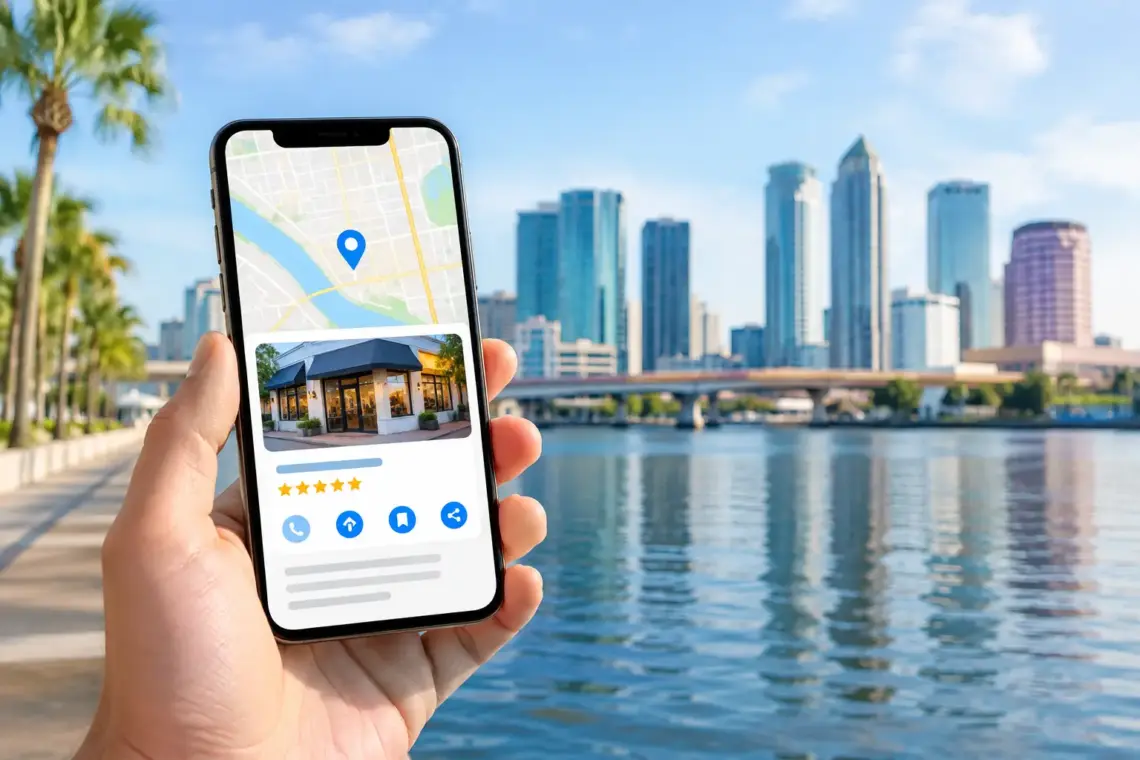
Tampa Google Business Profile Optimization
When a homeowner searches “AC repair Tampa” or “emergency plumber near me,” they are not looking for a marketing funnel. They want a business they can call now. Tampa Google Business Profile optimization puts your company in front of those high-intent searches and gives people enough confidence to contact you.
For a local service business, your Google Business Profile can produce calls before a visitor ever reaches your website. But an incomplete profile, weak reviews, wrong categories, or an unanswered question can send that customer to another local company. The goal is not to make the profile look busy. The goal is to turn map visibility into booked work.
Why Tampa Google Business Profile Optimization Drives Leads
Google Maps results are built for local intent. Someone looking for a roofer, dentist, HVAC company, or chiropractor nearby usually needs a solution soon. They compare a small group of businesses based on relevance, location, reviews, photos, hours, and how easy each business is to contact.
That means rankings matter, but conversion matters too. A profile at the top of the map pack can still lose calls if it has outdated hours, no recent reviews, poor photos, or a vague business description. A well-managed profile gives a prospect a fast answer to three questions: Do you offer what I need? Do you serve my area? Can I trust you?
For Tampa Bay service businesses, this is especially important because search demand can change quickly. Storm damage, broken air conditioners, plumbing leaks, and urgent dental needs create immediate searches. Your profile needs accurate information before those searches happen, not after.
Get the Business Basics Right First
Start with the information Google and customers rely on most. Your business name should match your real-world name. Do not add extra city names, services, or sales claims to force keywords into it. That can create verification problems or lead to a profile suspension.
Use the most specific primary category for your core service. A plumbing company should not choose a broad category when a more accurate one is available. Your primary category tells Google what type of searches you belong in. Secondary categories can support real services you provide, but avoid adding categories just because they sound related.
Your phone number, website, hours, and service area must be correct everywhere customers see your business. If you are a service-area business and do not receive customers at your address, set the profile up accordingly. Showing a home address or virtual office just to rank in a city can create trust issues and violate platform rules.
Add Services That Match How Customers Search
The service section is one of the clearest places to show Google and potential customers what you do. List the actual jobs you want more of, using plain language a customer would use.
An HVAC company might include AC repair, air conditioning installation, heat pump repair, ductwork, and maintenance plans. A roofing company might include roof repair, roof replacement, storm damage inspection, and commercial roofing if those are real services offered.
Do not stuff every service line with “Tampa” or repeat the same phrase in slightly different forms. Write each service once, clearly. If a service needs more explanation, support it on the matching page of your website. The profile should make the offer easy to understand, not carry your entire sales pitch.
Write a Description That Helps a Customer Decide
Your description should explain what you do, who you help, and the areas you serve when relevant. Lead with your main service and include practical details that reduce friction, such as emergency availability, appointment options, or specialties.
For example, a strong description for a plumber could explain that the company handles residential plumbing repairs, water heater replacement, drain issues, and urgent service across Tampa Bay. It is direct, specific, and useful. Skip vague claims like “best quality service” unless the rest of the profile proves it.
Build Proof Before You Need It
Reviews are often the deciding factor when several local businesses appear in the same search. More importantly, recent and detailed reviews show that the business is active and trusted right now.
Make asking for reviews part of your normal job process. Ask after the work is complete and the customer is satisfied. A short text or email request works well when it is sent promptly. Do not wait weeks, and do not offer incentives for reviews.
The best reviews mention the service, the experience, and sometimes the location naturally. A customer saying your team fixed an AC issue quickly is more helpful than a one-word rating. You cannot script customer feedback, but you can make the request simple enough that people respond.
Reply to every review, including negative ones. Thank positive reviewers without copying the same response each time. For a negative review, stay calm, acknowledge the concern, and invite the person to resolve the issue offline. Never argue in public. Future customers are reading your response to judge how you run the business.
Photos also build trust. Use real images of your crew, vehicles, completed work, office, equipment, and signage. Clear before-and-after photos work especially well for home service businesses because they show the result. Avoid stock images when possible. Customers want to see the real company that may show up at their home.
Turn Profile Visits Into Calls and Bookings
A profile can get views without generating enough leads. When that happens, look for conversion friction.
First, make sure the main phone number is answered during listed business hours. If calls go to voicemail, the greeting should identify the company and tell callers when to expect a response. For urgent services, missed calls often become lost jobs within minutes.
Second, connect the website button to the most relevant page. Sending every visitor to a generic homepage can slow them down. If your profile is focused on a specific location or core service, the landing page should reinforce that service, show proof, and make calling or requesting service easy.
Third, keep your business hours honest. If you offer 24-hour emergency service, make sure someone can actually respond. If you close early on holidays or have seasonal hours, update the profile before customers arrive or call.
Google Business Profile posts can support promotions, updates, events, and timely services, but they are not the foundation of local visibility. Use them when you have something useful to say, such as storm-response availability or a seasonal maintenance offer. Do not spend hours posting generic graphics while reviews, photos, and service information are neglected.
Keep Your Google Business Profile Active
Optimization is not a one-time task. Your profile changes as your business changes, and Google regularly gives users opportunities to suggest edits or ask questions.
Set aside time each month to check your services, hours, photos, reviews, questions, and contact details. Add new project photos. Review search performance. Confirm that the map pin and service area are accurate. If a customer asks a common question, answer it clearly and consider adding that answer to your website as well.
Pay attention to seasonal shifts. An HVAC company may need more visible cooling services before summer. A roofer may need storm inspection messaging after severe weather. A dentist may see demand for specific services at different times of year. Update what is real and relevant, not what you hope will attract clicks.
What Hurts Local Map Visibility
Shortcuts usually create problems later. Avoid fake reviews, keyword-stuffed business names, fake locations, duplicate profiles, and addresses where you do not operate. These tactics can trigger edits, suspensions, or customer complaints.
Do not create a separate profile for every service unless each location is a legitimate, staffed business location. A single accurate profile with clear services, strong reviews, and consistent business information is better than several questionable listings.
Also avoid treating rankings as the only scorecard. A lower-ranking profile that gets qualified calls and booked appointments can be more valuable than a profile with higher visibility but weak conversion. The point is profitable local leads, not screenshots.
Measure What Produces Work
Track the actions that lead to revenue: calls, website visits, direction requests when relevant, form submissions, and booked appointments. Then ask your team which leads were qualified, which services they wanted, and whether they became paying customers.
If calls are up but jobs are not, the issue may be your intake process, service area, or offer. If visibility is up but calls are flat, your reviews, photos, categories, or landing page may need attention. The right adjustment depends on where the drop-off occurs.
Tampa Google Business Profile optimization works best when it is tied to how your business actually operates. Keep the information accurate, show proof of good work, make it easy to contact you, and review the results regularly. A customer searching with an urgent need should see a clear reason to call your business first.


You May Also Like

How to Get Organic Leads for Service Businesses

AI Voice Agents Versus Staff: Which Fits?