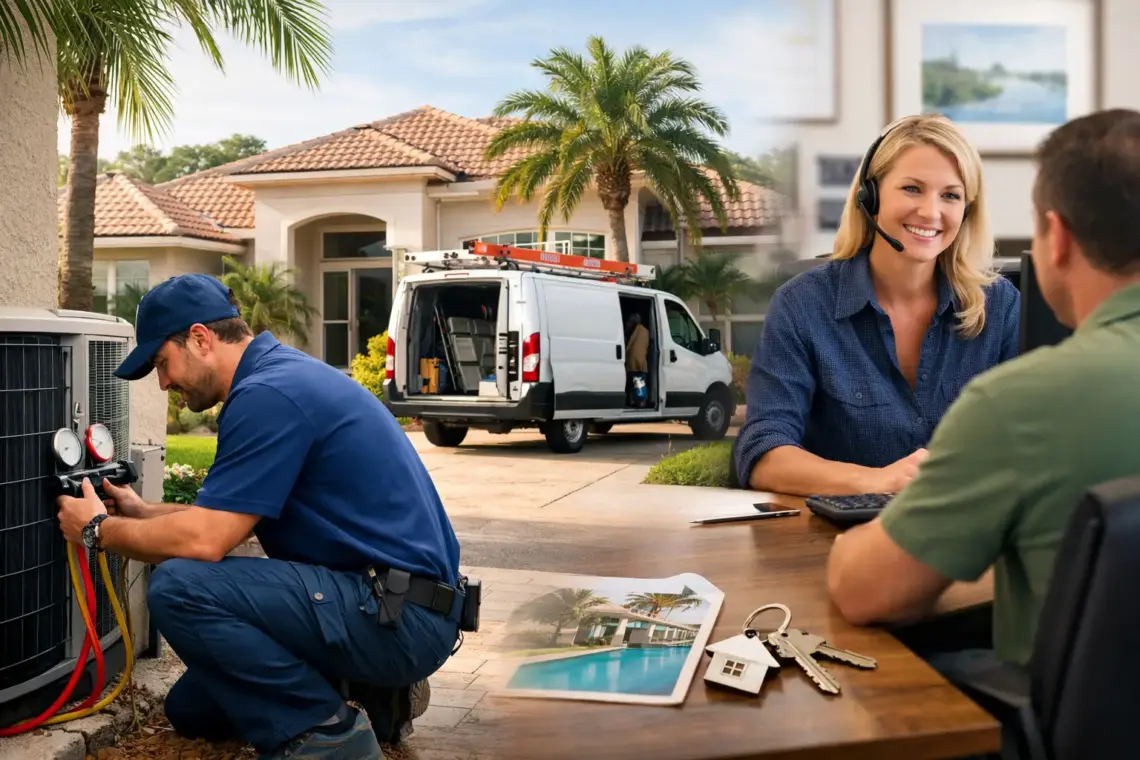
Florida Home Service Marketing Guide for More Calls
A homeowner in Tampa does not search Google for a marketing strategy. They search “AC repair near me,” “emergency plumber,” or “roof leak repair.” A Florida home service marketing guide should start there: get your business in front of people who need your service now, make it easy to contact you, and follow up before the lead calls someone else.
Referrals are valuable, but they are not predictable. Google search, Google Maps, and a website built to generate calls can give your business a steadier flow of work. The goal is not more traffic for the sake of traffic. The goal is more qualified phone calls, form submissions, and booked appointments.
Start With the Services That Bring the Best Jobs
Do not market every service with equal effort. Some jobs are more profitable, easier to close, or more likely to lead to repeat business. Start by identifying the services you want more of.
For an HVAC company, that may be emergency repairs, system replacements, and maintenance plans. For a plumber, it could be water heater installation, drain cleaning, and leak repair. For a roofer, it may be roof repair, inspections, and replacement estimates.
Then connect each service to the cities and neighborhoods you can serve well. A search like “water heater repair Tampa” has clear intent. The person is not browsing. They need help. That is the type of search worth building your marketing around.
Trying to rank one generic homepage for every service across all of Florida usually fails. A focused service page for a high-value service and a real service area gives Google and customers a clearer answer.
Build Your Google Business Profile for Calls
For most local service businesses, your Google Business Profile is one of the fastest paths to more inbound leads. It appears when customers search on Google Maps and when they look for nearby help on their phones.
Start with the basics, but do not treat them as minor details. Your business name, phone number, website, hours, service areas, and primary category need to be accurate. Use the category that best describes your core business, not a vague option that covers too much.
Add the services you actually want calls for. Write a clear business description that explains what you do, where you work, and why someone should contact you. Keep it simple. A homeowner should understand it in seconds.
Photos matter because customers want proof that you are real and active. Add recent job photos, team photos, vehicle branding, completed work, and before-and-after images when appropriate. Do not use generic stock images as your main visual proof.
Reviews are another major factor. Ask every satisfied customer for one, especially after a job is complete and the customer is relieved the problem is fixed. Make the request easy through a short text or email. Respond to every review, including negative ones, with a professional and calm answer.
A profile with accurate details, recent photos, strong reviews, and active service information will usually earn more trust than a profile that was set up once and ignored.
Create Service Pages That Match Search Intent
Your website should answer the exact question a customer is asking. If someone searches for “emergency AC repair in Orlando,” sending them to a general homepage creates friction. Send them to a page that clearly says you handle emergency AC repairs in that area.
Each important service page should explain the problem, the service, the service area, and the next step. It should also give customers a reason to call you now. That could be same-day availability, licensed technicians, straightforward scheduling, or a fast estimate process.
Do not fill pages with repeated city names just to chase rankings. Google can spot weak location pages, and customers can too. Write useful pages based on services you genuinely provide in the areas you serve.
A strong service page usually includes a direct headline, a visible phone number, a short contact form, proof from real reviews, service details, and a clear call to action. Put the call button near the top on mobile. Most urgent home service searches happen from a phone.
Make It Easy to Contact You
A lead is not useful if the customer has to work to reach you. Too many home service websites hide the phone number, use long forms, or give visitors no clear next step.
Your site should make two actions obvious: call now or request service. That is enough for most businesses. If you offer estimates, inspections, or consultations, explain what happens after the customer submits the form.
Keep forms short. Ask for a name, phone number, service needed, and location. You can gather more details once your team connects with the lead. A form with too many required fields can cost you jobs, especially when someone is dealing with an active leak, broken AC system, or electrical issue.
Speed also matters after the lead comes in. If calls go unanswered or web forms sit for hours, your marketing spend is being wasted. Set up call routing, text alerts, and an immediate response process. If your office cannot answer after hours, give customers a way to request help and confirm when they will hear back.
Follow Up Until You Get a Clear Answer
Many home service leads do not book on the first contact. They get busy, compare options, or forget to call back. That does not mean they were never interested.
Use a simple follow-up system for missed calls, estimate requests, and incomplete bookings. A quick text after a missed call can recover leads that would otherwise disappear. A short message asking whether they still need help is often enough.
For estimates, follow up with a clear next step. Do not send a quote and wait silently. Check in after a day or two, answer questions, and make scheduling easy. The right timing depends on the service. Emergency repair leads need immediate action. Larger projects, such as roof replacements, may need several follow-ups over a longer period.
Automation can help with reminders and initial responses, but it should not sound robotic. Customers still want to know a real local business will show up, communicate clearly, and do the work correctly.
Track Leads, Not Vanity Metrics
You do not need a complicated reporting dashboard. You need to know which marketing efforts produce real opportunities.
Track phone calls, form submissions, booked appointments, estimates, and closed jobs. Ask new customers how they found you, even if tracking says Google. That simple question helps catch leads that tracking tools miss.
Pay attention to the quality of leads, not just volume. Twenty calls for small jobs may be less valuable than five calls for profitable replacement projects. If one service page generates frequent calls but poor-fit jobs, adjust the page, service messaging, or targeting.
Review your results every month. Look for gaps: pages that get traffic but no calls, calls that are not answered, service areas that generate strong jobs, or reviews that mention the same reason customers chose you. Use those findings to improve what is already working.
What to Fix First
If your marketing feels inconsistent, do not try to rebuild everything at once. Start with the point closest to revenue.
If you are not showing up when people search, improve your Google Business Profile and core service pages. If you get visits but few leads, fix your calls to action, mobile layout, and forms. If leads come in but do not book, improve response time and follow-up.
This order matters. More visibility will not solve a slow response problem. More website traffic will not help if customers cannot quickly understand what you do or reach a real person.
The strongest local marketing systems are usually not flashy. They make your business easy to find, easy to trust, and easy to contact when a customer needs help. Start with one high-value service, one service area, and one clear path to booking. Then improve it until the calls become consistent.


You May Also Like
Local Keyword Research Guide for More Calls

Tampa Chiropractor Website Leads That Convert