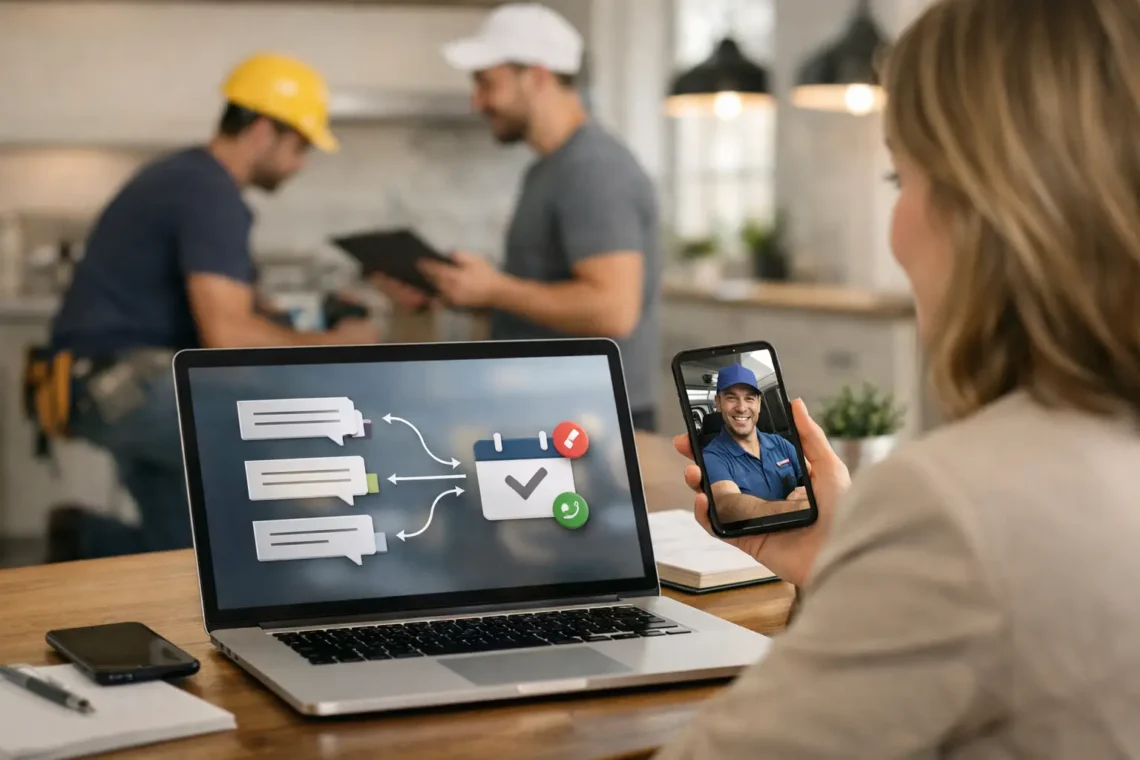
How to Automate Lead Followup That Books Jobs
A new lead comes in at 8:17 PM. You see it the next morning. By then, they already called someone else.
For a related guide, see our article on How to Generate Service Leads That Convert.
That is why business owners ask how to automate lead followup. Not because they want more software. Because they want fewer missed opportunities, faster replies, and more booked jobs without chasing every form fill by hand.
If you run an HVAC company, roofing business, plumbing company, dental office, or real estate business, speed matters. Most leads do not wait. They contact two or three businesses, then move forward with the one that responds first and sounds organized.
Automation fixes that, but only if you build it the right way.
What lead follow-up automation should actually do
A lot of business owners think automation means blasting people with generic texts. That is not the goal.
Good automation does three things. First, it responds fast. Second, it moves the lead toward a call, appointment, or estimate. Third, it keeps your team from forgetting people who were interested but did not book right away.
That means your system should not stop at one text message. It should cover the first response, reminders, missed calls, no-shows, and older leads that went cold.
If your business gets inbound leads from Google Search, Google Maps, your website, or Local Services Ads, this matters even more. Those leads are usually high intent. They are already looking for help. The gap between getting the lead and following up is where a lot of revenue gets lost.
How to automate lead followup without making it feel robotic
The biggest mistake is overdoing it. Too many messages, too much canned language, or a sequence that keeps sending messages after someone already booked. That makes your business look disorganized.
The better approach is simple. Write messages that sound like a real person from your office. Keep them short. Ask one clear question. Give the lead an easy next step.
For example, if someone fills out a form for AC repair, your first message should not be a paragraph. A better version is: “Thanks for reaching out to [Business Name]. We got your request for AC repair. Do you want to schedule a service call today or tomorrow?”
That works because it confirms the request and moves straight to action.
Automation should also change based on the type of lead. A roofing estimate lead may need a scheduling link or a call-back option. A dentist lead may need a reminder to choose a time for a consultation. A plumbing emergency lead may need immediate routing to your phone line. One size does not fit every service.
The core system every local business should set up
You do not need a complicated stack. You need a few connected pieces that work every time.
1. Instant response after every form submission
The first step is automatic contact within seconds, not hours. When someone fills out your website form, they should get a text and, in some cases, an email right away.
Text should be the priority for most local service businesses because people read it faster. Email can support the process, but it usually should not carry the whole load.
Your first automated message should confirm the inquiry, set expectations, and offer the next step. If your office is open, that next step is usually a call or booking. If your office is closed, let them know when they will hear from you.
2. Missed-call text back
This is one of the highest-impact automations you can add.
If someone calls and no one answers, they should immediately get a text that says you missed their call and can help. A lot of local businesses lose leads here because missed calls sit unanswered until later. By then, the lead is gone.
For urgent services like HVAC, plumbing, or roofing after storm damage, this alone can recover a meaningful number of jobs.
3. Short follow-up sequence for unbooked leads
Not every lead books on the first contact. Some are busy. Some are comparing options. Some meant to respond and forgot.
That is why you need a simple sequence. Usually a few messages over several days is enough. One right after the inquiry, one follow-up the next day, and another a few days later can work well. The message should stay focused on the outcome, not on sounding clever.
You do not need seven messages unless your sales cycle is longer. For most local businesses, too much follow-up starts to hurt more than help.
4. Appointment reminders and no-show prevention
If you book estimates, consultations, or service calls, reminders should be automatic. A reminder the day before and another on the day of the appointment can reduce no-shows and last-minute confusion.
These messages should include the time, what to expect, and a way to reschedule if needed. That keeps your schedule cleaner and your team more productive.
5. Re-engagement for older leads
A lot of money sits in old leads. People who asked for an estimate three months ago may still need the work done. They may have gotten distracted, delayed the decision, or never followed through with the other company.
A simple reactivation campaign can bring some of those leads back. This works especially well for roofing, home services, dental treatment plans, and real estate follow-up.
What tools you need to automate lead followup
The exact software matters less than the setup.
You need a place where leads come in, a way to trigger texts and emails, a simple pipeline so you know who booked and who did not, and basic reporting. Some businesses can do this with their CRM. Others need a dedicated automation platform.
What matters most is that your website forms, call tracking, and follow-up system all connect. If they do not, leads slip through the cracks and automation breaks.
This is also where many businesses get stuck. They buy tools before they map the process. Start with your lead path first. Where does the lead come from? Who gets notified? What happens in the first 5 minutes? What happens if nobody answers? What happens if the lead does not book?
If you cannot answer those questions clearly, software will not fix the problem.
Where automation helps most and where it does not
Automation works best at the start and middle of the process. It is great for instant response, reminders, status updates, and reactivation.
It is not a replacement for good sales conversations. If a lead has questions about price, timing, insurance, financing, or scope of work, a real person still needs to step in. That is especially true for higher-ticket services.
This is the trade-off. More automation saves time and increases response speed. But if you automate too much, you can lose trust. People still want to feel like they are dealing with a real business.
The sweet spot is simple: automate the repeatable parts, keep the human parts human.
How to know if your follow-up automation is working
Do not judge it by whether messages are sending. Judge it by whether more leads turn into conversations and booked jobs.
Start with a few numbers. How fast are you responding now? How many leads go untouched? How many missed calls never get called back? How many form leads actually book?
After automation is live, watch response time, contact rate, booked appointments, and close rate. You should also listen to the quality of the conversation. If leads sound confused by your messages, your wording needs work.
A good system is not set once and forgotten. It should be adjusted based on real lead behavior.
Common mistakes that cost local businesses leads
The most common problem is weak intake. If your form asks for too much, fewer people submit. If it asks for too little, your team cannot qualify the lead.
Another problem is slow internal follow-up after the automation starts the conversation. The text goes out instantly, but nobody calls the lead for three hours. That wastes the advantage.
The third problem is bad message timing. Sending too many follow-ups too fast can feel pushy. Sending them too slowly makes them easy to ignore.
And finally, some businesses forget to stop the sequence when the lead books. That creates a bad customer experience fast.
A simple way to get started this week
If you want results fast, start with three automations: instant form response, missed-call text back, and appointment reminders. Those cover the biggest leaks first.
Then review your existing leads from the last 90 days and decide whether a reactivation campaign makes sense. In many local businesses, that list is more valuable than people realize.
If your current setup is messy, fix the process before adding more steps. Clean systems outperform complicated ones.
At SparkHive Agency, this is how we look at follow-up for local businesses. Not as a tech project, but as a booking system. The goal is simple: respond faster, miss fewer leads, and turn more inbound demand into real revenue.
The best automation is the kind your leads barely notice because it feels quick, clear, and helpful. That is usually what gets the call back.
Related resources for Tampa Bay business owners


You May Also Like
How to Get Instagram Views That Actually Turn Into Local Leads

How to Manage Online Reviews That Win Leads